

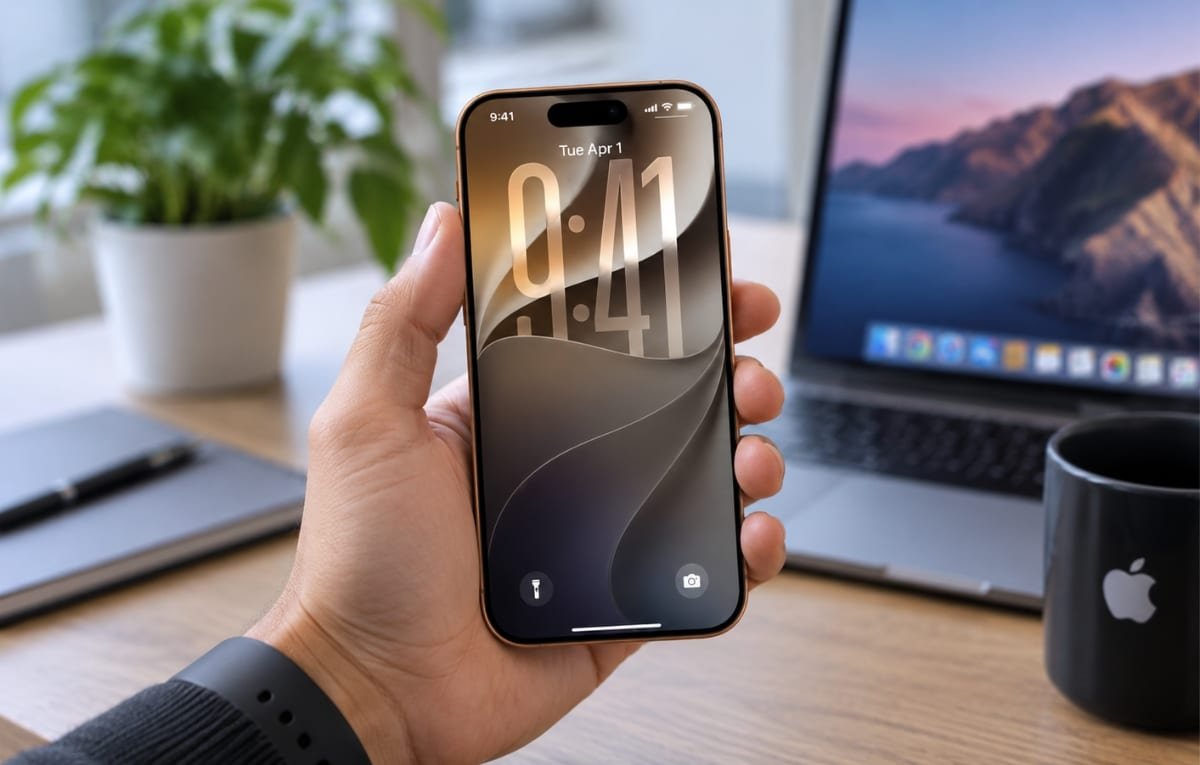
Apple is preparing to release iOS 27, which brings a set of improvements to the design and user interface, along with major updates to its intelligent assistant Siri in an effort to enhance its capabilities and compete with prominent AI tools such as Gemini and ChatGPT.
iOS 27 will run on devices starting from iPhone 11 and later, meaning a large number of iPhone users will be able to install the update. However, it is recommended to take a series of steps before starting the update process to ensure a smooth transition and avoid potential issues.
Provide Enough Storage Space
Installing iOS 27 requires temporary storage space in addition to the space needed to download the update file itself. Therefore, it is preferable to free up between 18 and 25 GB of storage on the phone before beginning the installation.
If storage space is limited, you can delete unused apps, clean up photos, videos, and large files, or use the storage management tools available on the device.
Check Battery Charge
It is important to check that the battery has a suitable charge level before installing the update. Although 50% may be enough to complete the process, the safest option is to connect the phone to a charger throughout the update.
It is also recommended to keep the device connected to a stable Wi-Fi network to avoid interruption of the download or installation due to a weak internet connection.
Choose How to Install the Update
iPhone allows you to choose between installing iOS 27 manually or letting the device install it automatically.
You can adjust this by going to Settings, then General, then tapping Software Update, then choosing Automatic Updates.
When you select Install Automatically, the phone will not begin installing iOS 27 as soon as it becomes available. Instead, the update will be installed automatically when the device is charging and connected to Wi-Fi overnight. Update notifications may reach you several days or weeks after the release becomes available.
If you prefer to install the update as soon as it is available, you can wait on the Software Update page and start the process manually.
Update to iOS 26.6 First
Before moving to iOS 27, it is also recommended to check that the iOS 26.6 update is installed. It includes an update to the indexing process aimed at facilitating the transition to the changes that Siri will bring in the new version.
Back Up Your Data
Backing up is one of the most important steps to perform before installing any major system update, as unexpected issues during the update could lead to the loss of some data.
You can create a backup via iCloud if there is available storage space, or back up via a computer running Windows or macOS.
It is also preferable to verify that you know your Apple account credentials before starting the update, to avoid facing issues accessing the account if any problem occurs during the upgrade process.
Broad Updates in iOS 27
iOS 27 is expected to offer a set of improvements, foremost among them the new Siri app, which is Apple’s attempt to strengthen its presence in the smart assistant race and compete with services such as Gemini and ChatGPT.
The update includes a clearer and more readable design, performance speed improvements, and new features to enhance child safety, along with a set of adjustments and improvements in various system apps.