

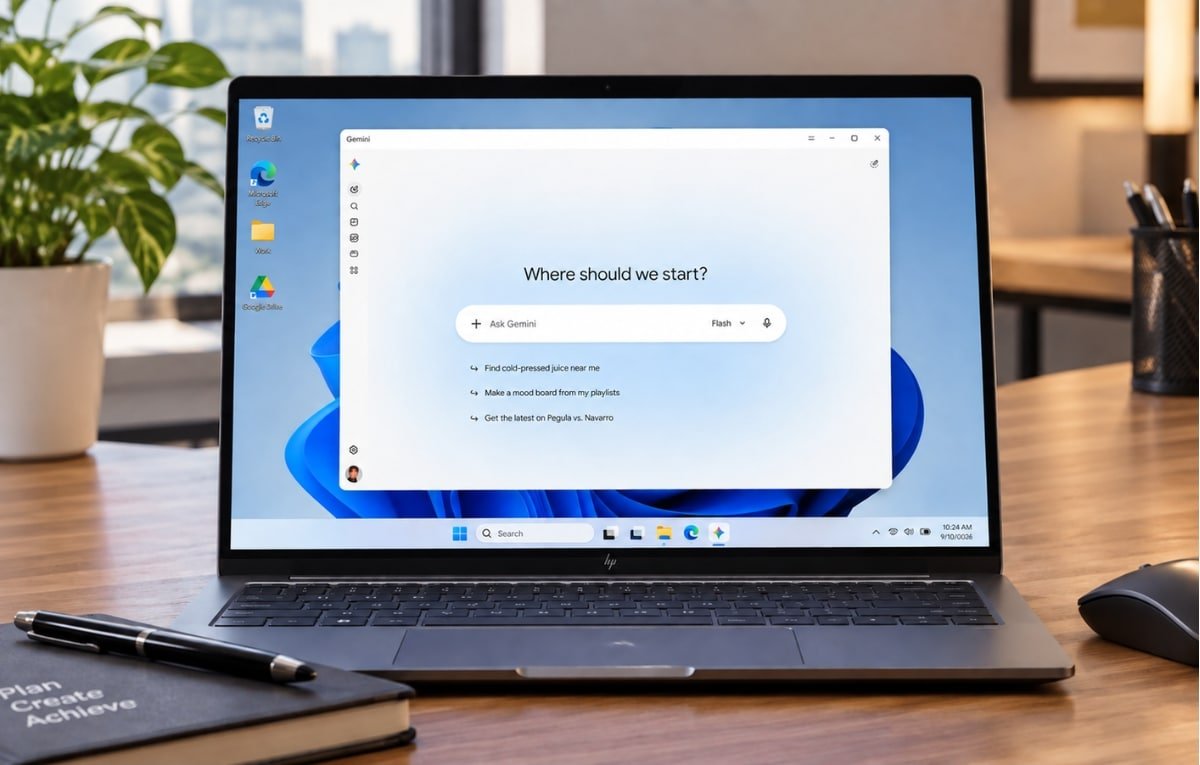
Google has officially released the Gemini app for computers running Windows 10 and Windows 11, placing its AI assistant in direct competition with apps such as ChatGPT and Copilot after a period when users mainly relied on the web experience.
The app is now available globally for Windows devices, with support for x64 and ARM64 processors, in all countries and languages where the Gemini service is offered.
Instant Access to Gemini
The Gemini app provides a native desktop experience that lets users reach the assistant while working in other applications without opening a browser.
Gemini can be launched quickly with the keyboard shortcut Alt + Space, causing it to appear above the active window. Users can then ask questions, verify information, and get help with a variety of tasks. The launch shortcut can be changed in the app settings, or Gemini can be opened from the Windows taskbar and system tray.
Gemini Spark Handles Complex Tasks
One of the notable features arriving in the Windows app is access to Gemini Spark, Google’s autonomous AI agent, for carrying out multi-step tasks such as research, planning, and other work that requires several stages.
Gemini can connect to Google services including Gmail, Drive, Docs, and Calendar. This allows users to search for information within emails, summarize documents, and access their data across different Google services from one place.
Image and Video Creation
Google is also expanding Gemini’s creative capabilities within the Windows app. Users can create images with Nano Banana and generate video clips through Gemini Omni directly from the app interface.
This step reflects Google’s direction of turning Gemini from a browser-based assistant into an integrated tool that can be used continuously while working on a computer.
Some Features Are Missing
The Windows version of the Gemini app still lacks some native integration capabilities available in the macOS version.
On Mac devices, Gemini can understand content displayed on the screen, use voice commands to create and edit content across applications, and Gemini Spark can work with local folders to organize and summarize files.
Google has confirmed that it plans to add more native computer capabilities to the Windows version in the future.
Conversations and memory sync between the Gemini desktop app and the web and mobile versions when signed in with the same Google account, allowing users to continue their experience across different devices.